SeeNot
Open an Android app to get something done without being pulled into its feed.
Explore SeeNot wnr
wnr
Work aNd Rest
A stricter, prettier, more powerful timer for Windows, macOS, and Linux.
Free and open source · Built for your desktop
1,000+ GitHub stars
01 — Stay with the work
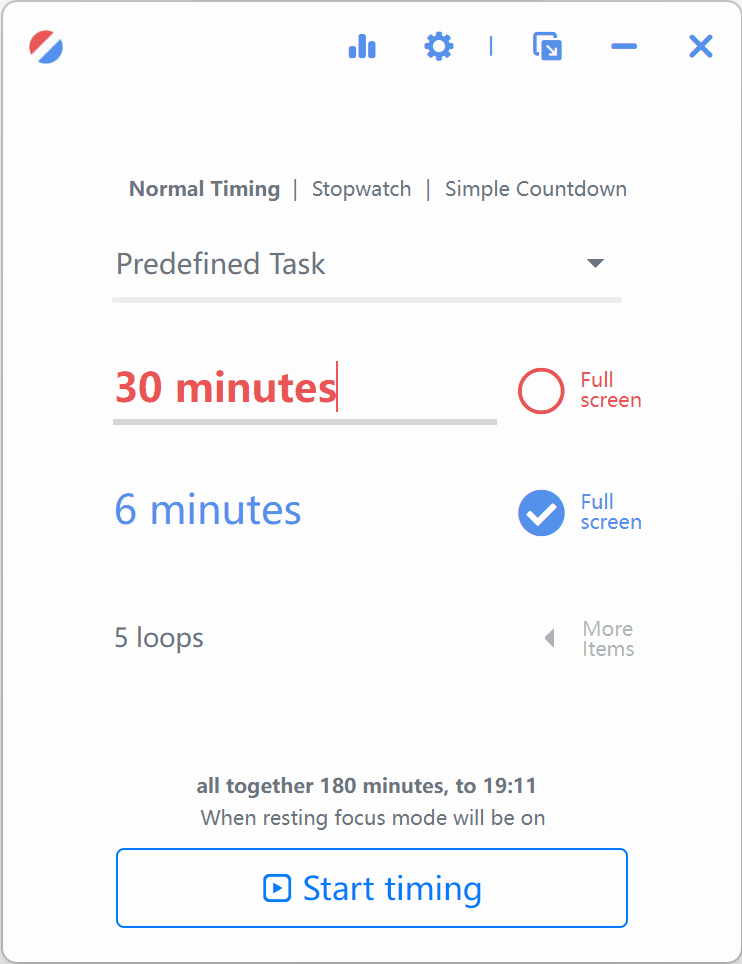
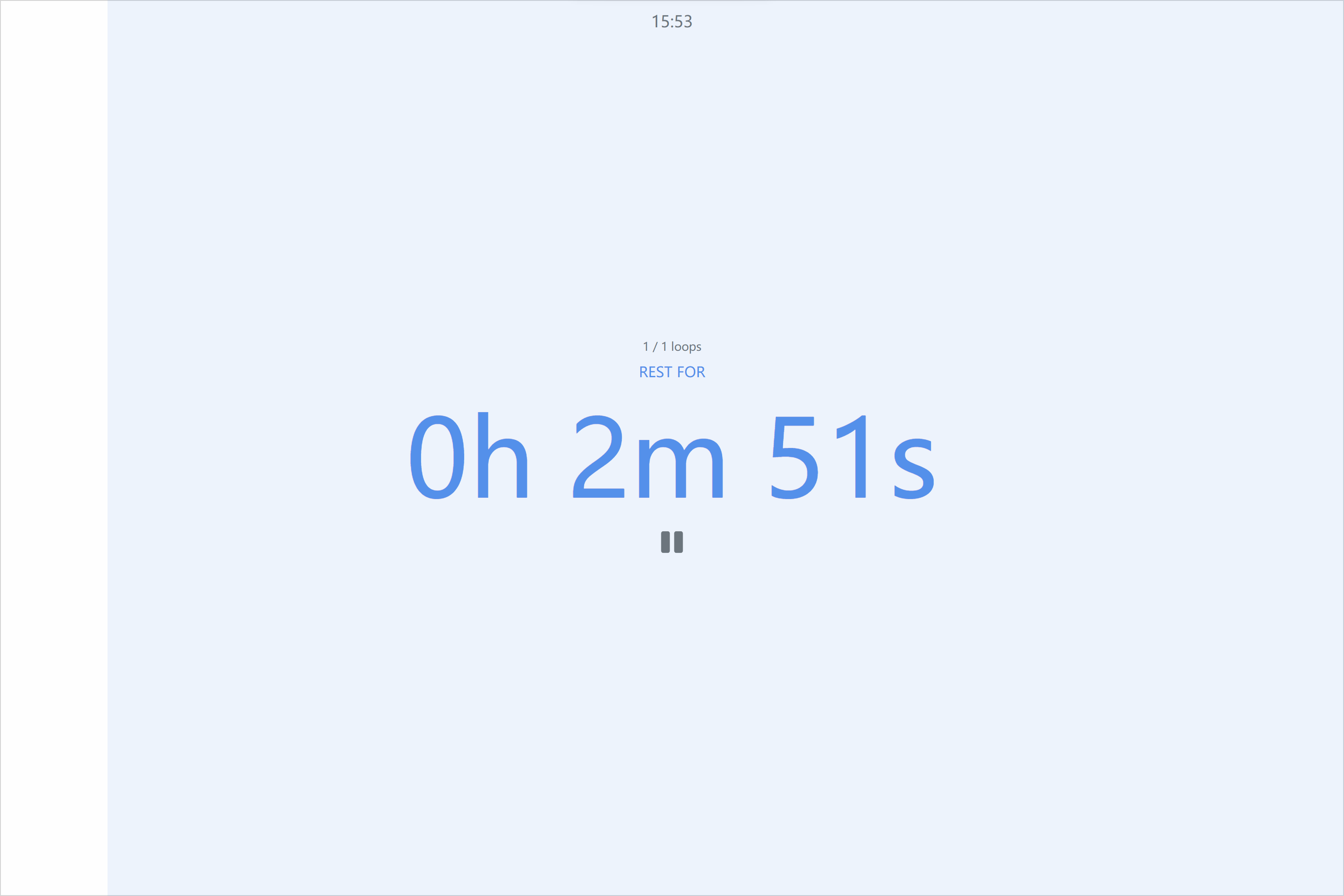
Fullscreen focus mode makes rest mandatory, so you no longer skip every recovery period. It blocks virtual desktops and every monitor until your session is done.
Disable cancelling, skipping, or stopping — or enable parent control — when you want a stronger boundary. wnr also reminds you every ten minutes when you drift away.
02 — Make it yours
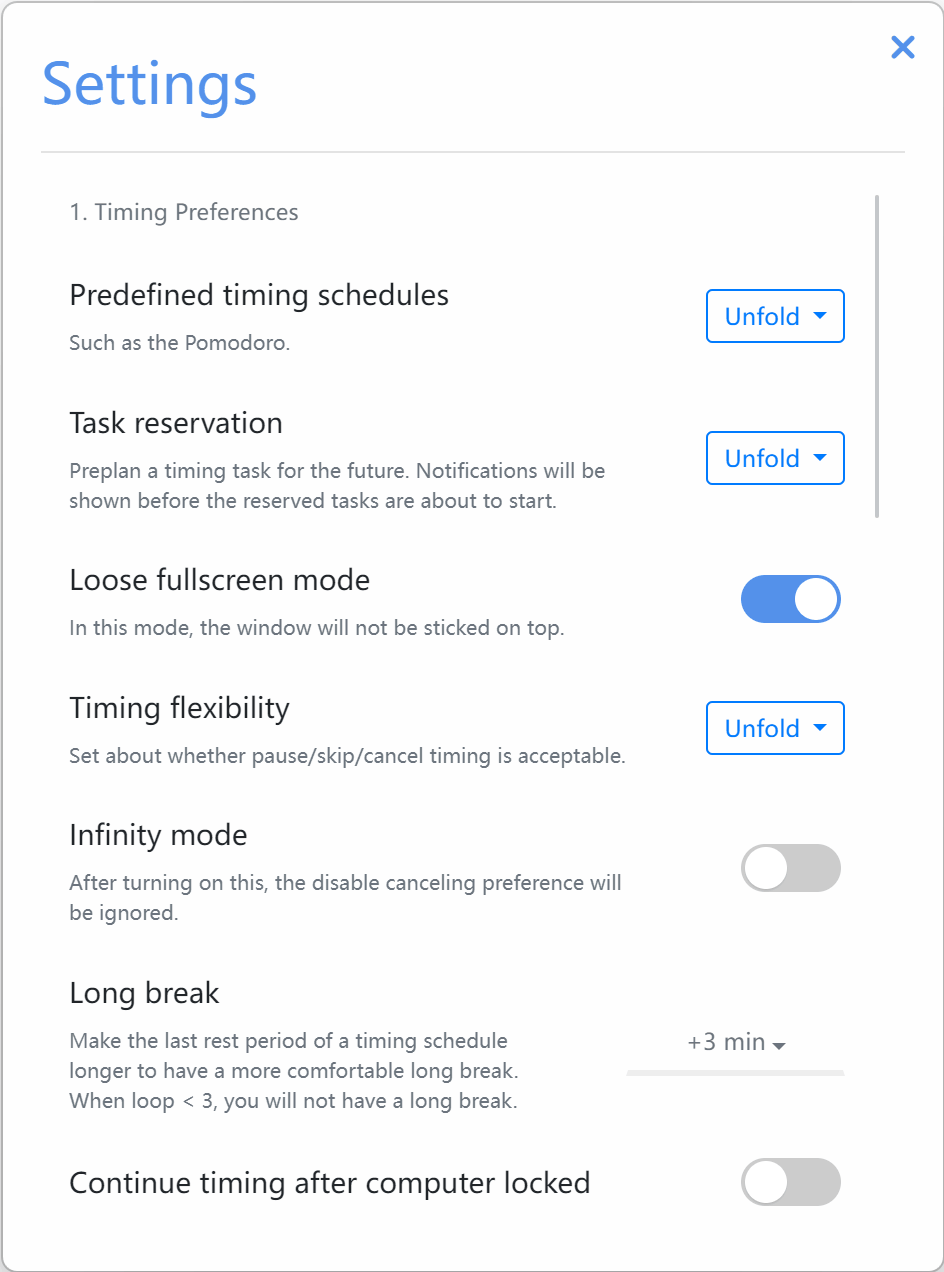
Users deserve a customizable experience. wnr brings together abundant settings and small, thoughtful functions so your timer fits the way you work.
Install it and discover statistics, mini mode, predefined tasks, and more.
03 — In good company
“It is the best pomodoro app that I’ve ever found. I recommend it to my colleagues.”
— wnr user



Ready when you are
Download wnr for free and build a better rhythm between work and rest.
Get wnrA note from the founder
I’m seeking a product engineering or FDE internship where I can build, learn, and work close to users.
View my profile and portfolio Connect on LinkedInOpen an Android app to get something done without being pulled into its feed.
Explore SeeNotPractice Chinese listening with stories at a difficulty level you can understand.
Explore FluentideIf your browser notifies you that "this type of file can harm your computer", please
simply ignore it and select keep. The situation is here because we cannot afford to buy a
signing certificate which costs hundreds of dollars. This software is clean and safe, I
promise.
If you have Windows Defender Smartscreen turned on, you
may need to click more info and then still allow to run it. Also
because the cirtificate.
If you have Windows Defender Smartscreen turned on, you
may need to click run anyway. Also because the certificate.
If you are using Windows 7 and the application isn't working properly, please apply for the "Vista Compatibility Mode".
Please note that the macOS version is unsigned also because that I am not rich enough to
buy a certificate, so you may need to follow
this guide in order to use. If you are using macOS 12 (Ventura), it
is reported that terminal script xattr
-cr
/Applications/wnr.app is also needed.